
Noteback
Noteback lets you review local AI-generated HTML documents — specs, plans, design docs — right in your browser. Highlight a passage, attach a comment anchored to that exact quote (or leave a note on the whole document), then copy your feedback as Markdown to paste back to the AI, or save a self-contained "feedback canvas" — one HTML file with your highlights and comments baked in that anyone can open and comment on without installing anything.
It runs 100% locally: no server, no account, no telemetry, no network calls.
note it → send it back.
What it looks like
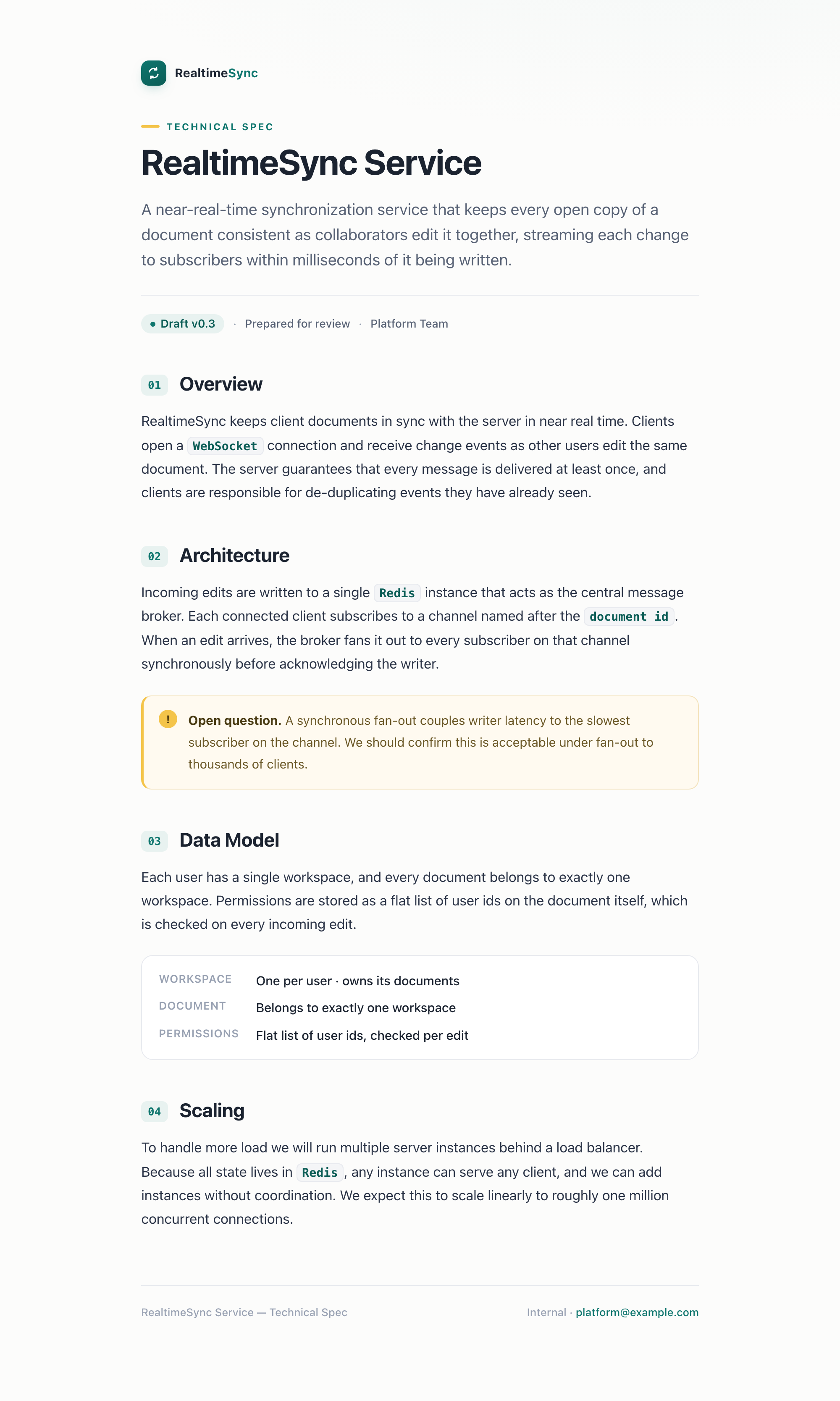
1. A born-annotatable doc. Your AI writes a spec, plan, or report as HTML;
wrap (or the extension) turns it into a feedback canvas that opens like any
ordinary styled page — no app, no account.
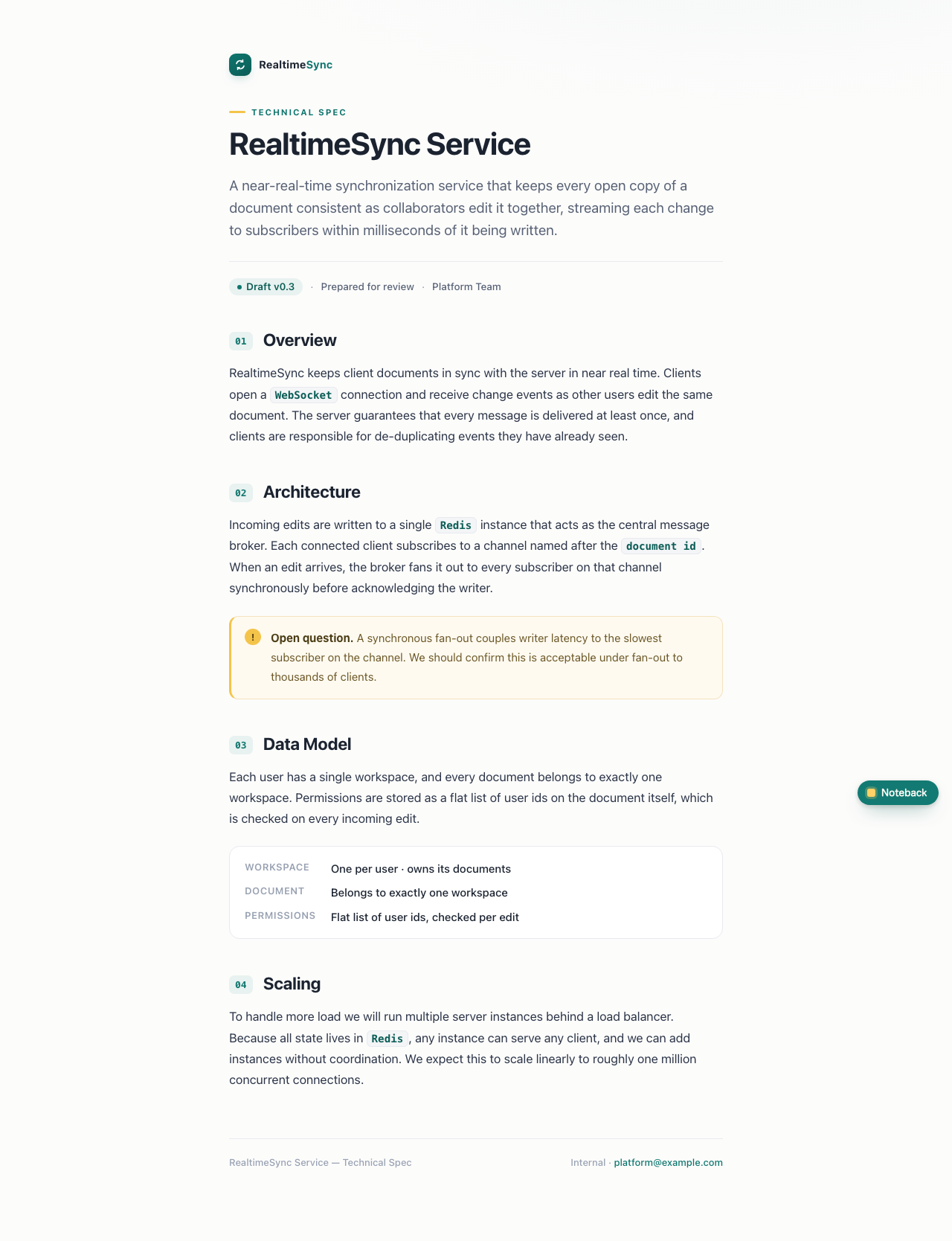
2. Highlight a passage → it sticks. Select text and the Noteback tab on the edge lets you anchor a comment to that exact quote; every annotated passage is marked inline.
3. The sidebar lists every comment — anchored notes and notes on the whole document — and lets you copy the feedback or save the canvas.
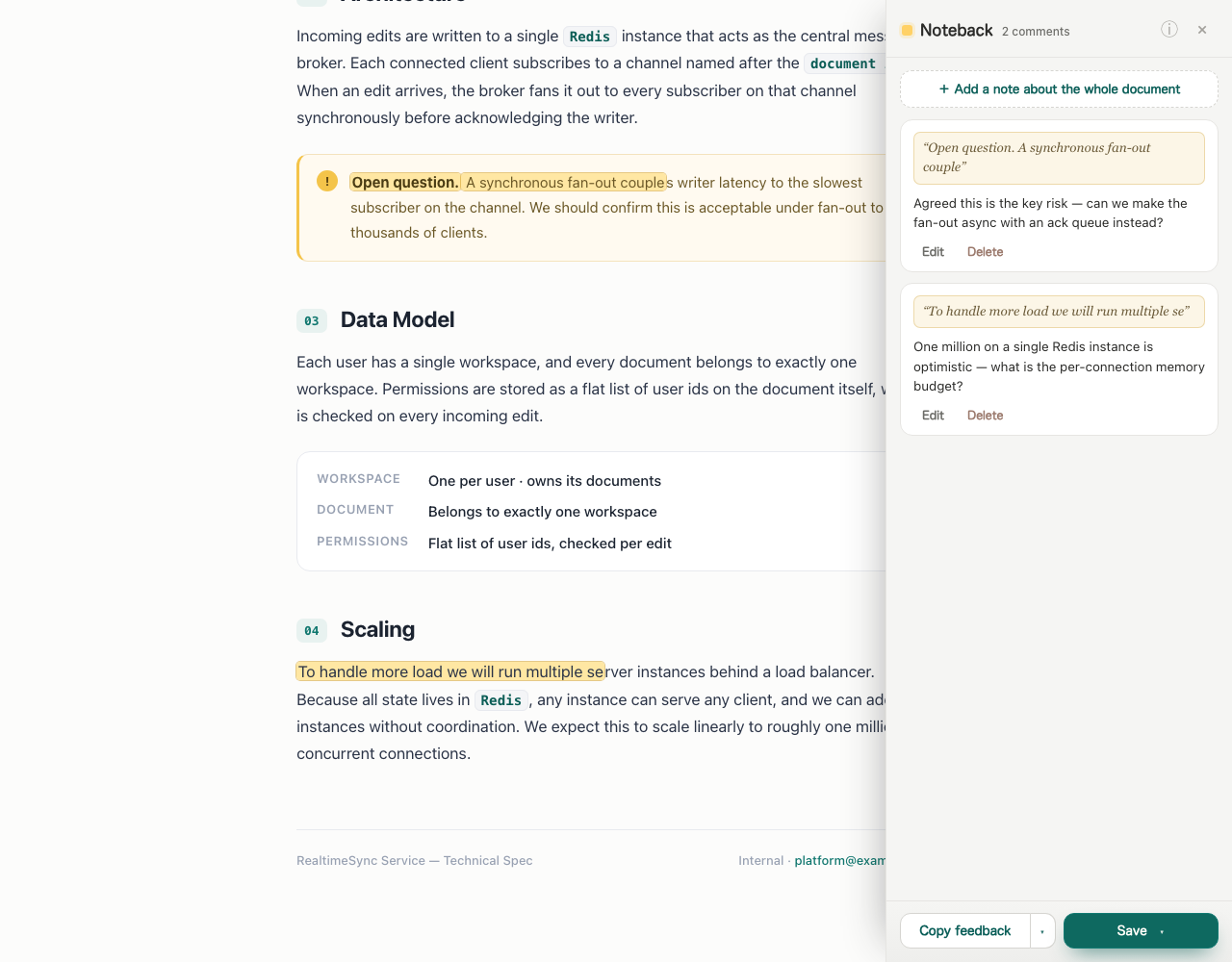
Comments use text-quote anchoring (W3C / Hypothesis style), so highlights survive minor edits; a lost quote becomes an unanchored note instead of disappearing. Copy feedback produces clean Markdown with line references; Save exports the canvas with comments, a clean copy of the original, or a print-ready PDF.
Install
You can use Noteback two ways — they share the same annotation engine. The
essentials are below; see docs/install.md for every flag and
option.
As an agent skill (no extension needed)
So an AI coding agent (Claude Code, Codex, …) can hand you documents that are already annotatable: it writes the doc as HTML, wraps it with the CLI, and you comment in the browser, then paste the Markdown back to iterate.
npx skills add alekkowalczyk/noteback   # pull the skill from GitHub → ./.claude/skills
npx noteback install-skill              # or install from npm → ~/.agents/skills + a ~/.claude symlink
The agent then runs npx noteback wrap doc.html to turn any HTML into a canvas.
As a Chrome extension
Install from the Chrome Web Store —
one click, and it auto-updates. To annotate file:// docs, open the extension's
Details page and enable "Allow access to file URLs." (localhost /
127.0.0.1 are opt-in — switch them on from the extension popup; they're off by
default.)
To run from source instead (for development): enable Developer mode at
chrome://extensions, click Load unpacked, and select the repo root (the
folder with manifest.json).
Docs
docs/install.md— full install & CLI reference: everyskills add/install-skill/wrapflag, the extension steps, and permissions.docs/design.md— the full design, motivation, positioning, privacy posture, and the one-runtime / two-modes architecture.CONTRACTS.md— runtime module API, State schema, runtime namespace, and the canvas file format.skills/noteback/SKILL.md— the agent skill itself.CLAUDE.md— engineering notes, gotchas, permissions, and the two-registry distribution model (GitHub serves the skill, npm serves the CLI).
Development
npm test # runtime unit tests on the Node built-in runner (no deps, no framework)License
MIT.