
LettaCTL


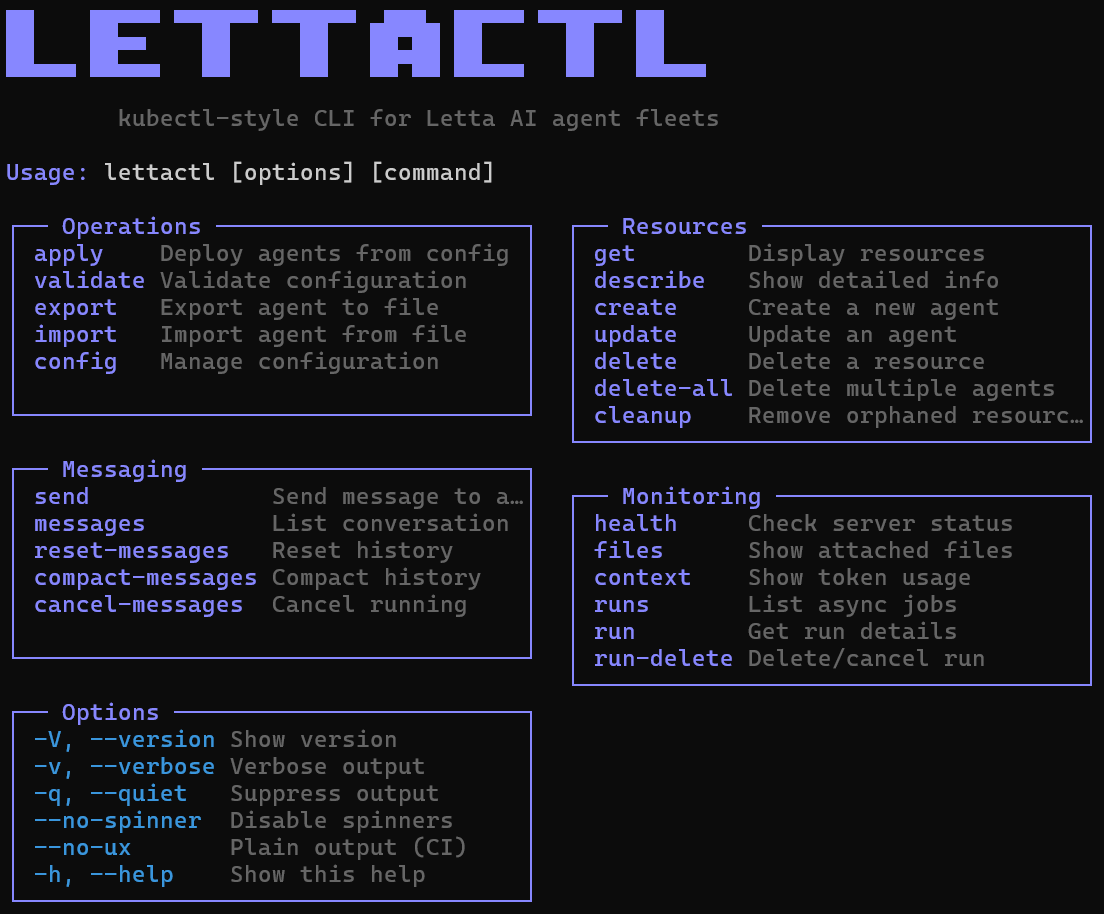
A kubectl-style CLI for managing stateful Letta AI agent fleets with declarative configuration. Define your entire agent setup in YAML and deploy with one command.
- Official Letta Docs - LettaCTL is an official Letta community tool
- LettaCTL Docs - Full documentation
- Letta Discord - Support and discussions
Get started
Install the LettaCTL CLI:
npm install -g lettactlPoint it at your Letta server:
# Named remotes (recommended)
lettactl remote add local http://localhost:8283
lettactl remote add cloud https://api.letta.com --api-key sk-xxx
lettactl remote use local

# Or environment variables
export LETTA_BASE_URL=http://localhost:8283
Quick example
Create agents.yml:
agents:
  - name: my-agent
    description: "My AI assistant"
    llm_config:
      model: "openai/gpt-4.1"
      context_window: 128000
    system_prompt:
      value: "You are a helpful assistant."
    memory_blocks:
      - name: user_info
        description: "What you know about the user"
        limit: 2000
        agent_owned: true
        value: "No information yet."
Deploy:
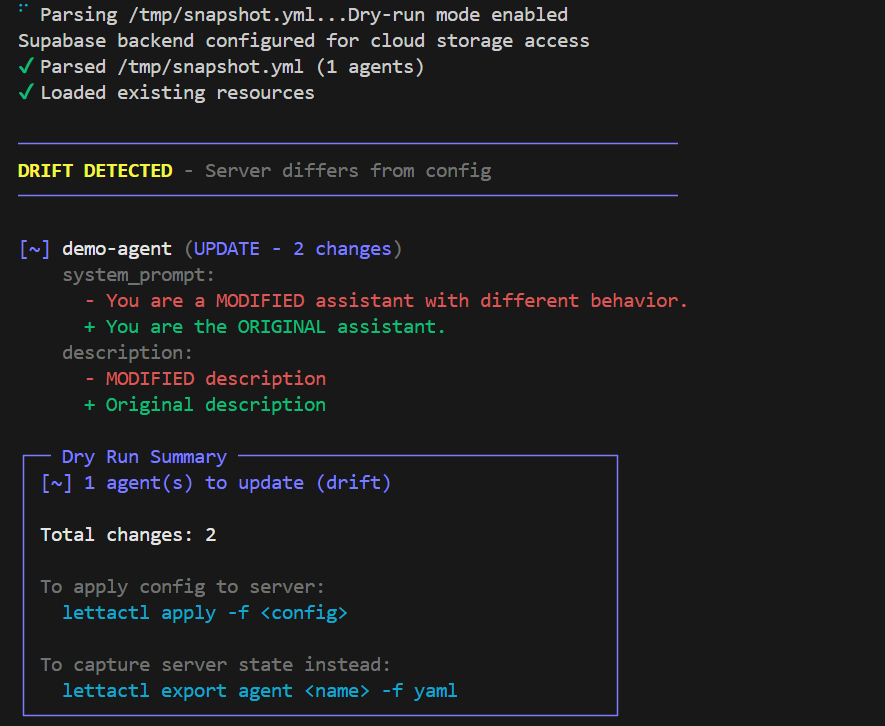
lettactl apply -f agents.ymlThat's it. See what changed with --dry-run, update the YAML and re-apply — only diffs are applied, conversation history is preserved.
Key Features
Declarative Fleet Management (full guide)
Deploy entire agent fleets from YAML with shared resources:
shared_blocks:
  - name: company_guidelines
    description: "Shared across all agents"
    limit: 5000
    agent_owned: true
    from_file: "memory-blocks/guidelines.md"

agents:
  - name: support-agent
    # ...
    shared_blocks: [company_guidelines]
    memory_blocks:
      - name: ticket_context
        description: "Current ticket info"
        limit: 2000
        agent_owned: false    # YAML syncs on every apply
        value: "No active ticket."
    folders:
      - name: docs
        files: ["files/*"]    # Auto-discover files
    tools:
      - archival_memory_insert
      - archival_memory_search
      - tools/*               # Auto-discover Python tools
lettactl apply -f fleet.yml # Deploy all agents
lettactl apply -f fleet.yml --dry-run # Preview changes (drift detection)
lettactl apply -f fleet.yml --agent one # Deploy specific agentLetta Code Agents
Deploy Cloud agents that use git-backed MemFS, agent-owned skills, and Letta Code secrets:
agents:
  - name: code-agent
    llm_config:
      model: "letta/glm"
      context_window: 32000
    system_prompt:
      value: "You are helpful."
    include_base_tools: false
    include_base_tool_rules: false
    memory:
      mode: memfs
      bare_repo: auto
      template_dir: agents/code-agent/memfs
      preserve_existing_paths:
        - system/persona.md
        - system/state.md
      prune_missing_skills: true
      files:
        - to: system/important_variables.md
          value: |
            # Important Variables
            - COMPANY_ID: company-123
      skills:
        - name: app-api
          from_dir: agents/skills/app-api
    secrets:
      APP_AGENT_TOKEN:
        from_env: APP_AGENT_TOKEN
        preserve_existing: true
lettactl apply -f fleet.yml --dry-run # Shows MemFS and secret drift
lettactl apply -f fleet.yml --root . # Resolves template_dir/from_dir paths from repo rootUse memory.template_dir for system MemFS files, memory.skills[].from_dir for
directories containing SKILL.md, and agents[].secrets or global-secrets for
Letta Code secret sync. Add memory.preserve_existing_paths for mutable files
that should be seeded on first deploy but preserved after the agent edits them.
Set memory.prune_missing_skills: true when memory.skills is the managed skill
catalog and deploys should delete stale skills/<name> files missing from the
template.
Use memory.files[] for explicit inline or from_file content, especially
per-agent dynamic system files. See the full docs for schema details.
MemFS agents default to include_base_tools: false and
include_base_tool_rules: false so Letta Code skills start from a clean server
tool allowlist. Classic block agents keep base tools enabled by default. Set
include_base_tools: true and list tools explicitly when a MemFS agent should
use server tools such as conversation_search.
Inspection & Debugging (full guide)
lettactl get agents                      # List agents
lettactl get all                         # Server overview
lettactl describe agent my-agent         # Full details + blocks/tools/messages
lettactl get blocks --orphaned           # Find orphaned resources
lettactl get tools --shared              # Tools used by 2+ agents
Messaging (full guide)
lettactl send my-agent "Hello"           # Async send (polls until complete)
lettactl send my-agent "Hello" --stream  # Streaming response
lettactl get messages my-agent           # Conversation history
Resource Duplication (full guide)
lettactl duplicate agent my-agent copy   # Full agent clone
lettactl duplicate block my-block copy   # Block clone
lettactl duplicate archive my-kb copy    # Archive + passages clone
Canary Deployments (full guide)
lettactl apply -f fleet.yml --canary                    # Deploy canary copies
lettactl apply -f fleet.yml --canary --promote --cleanup # Promote + teardown
Export & Import (full guide)
lettactl export agent my-agent -f yaml -o agents.yml    # Git-trackable YAML
lettactl export agents --all -f yaml -o fleet.yml       # Bulk export
lettactl import backup.json                              # Restore from backup
Multi-Tenancy with Tags (full guide)
lettactl get agents --tags "tenant:acme"                # Filter by tenant
lettactl get agents --tags "tenant:acme,role:support"   # AND logic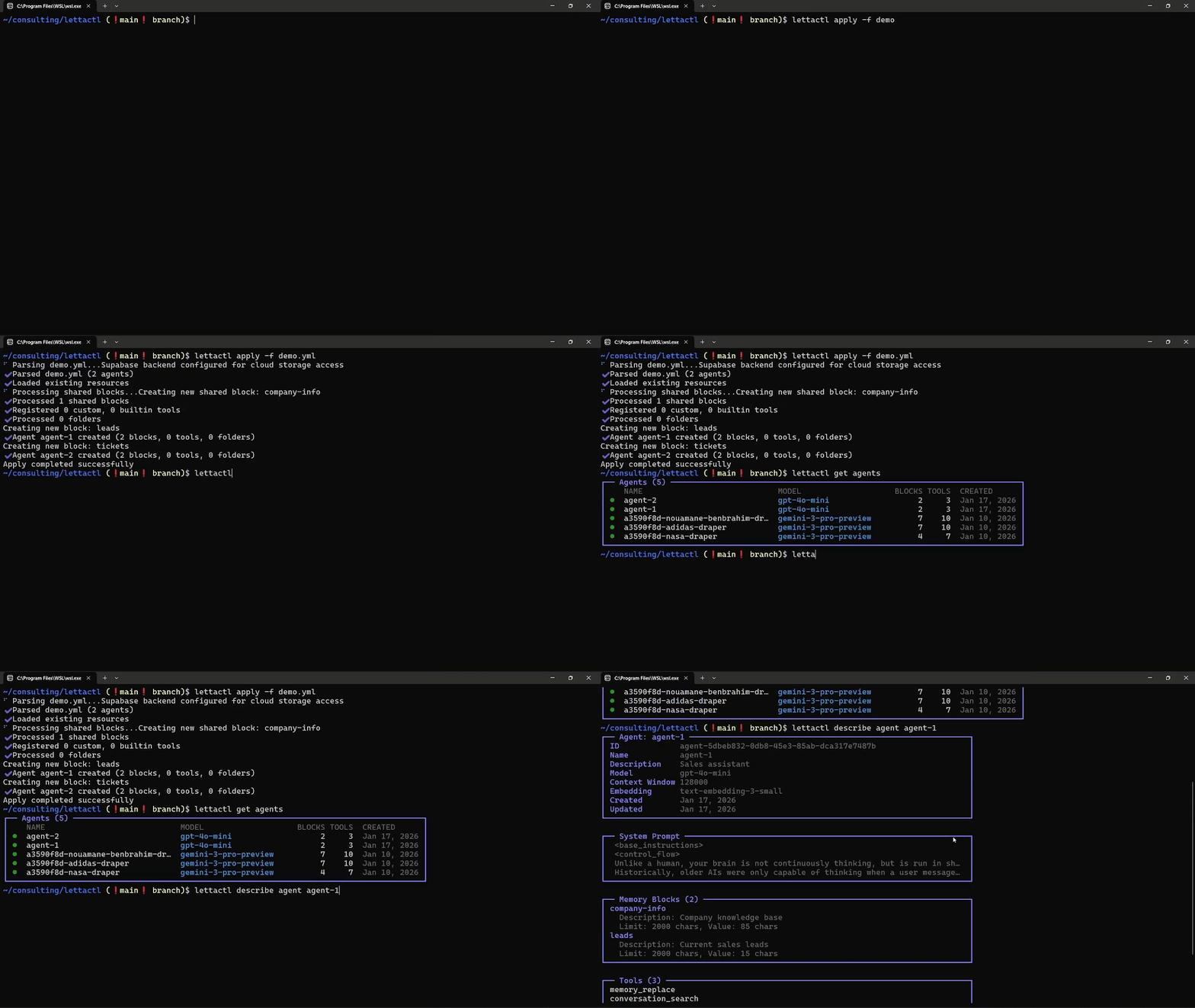
SDK Usage
LettaCTL also works as a programmatic SDK for building applications:
pnpm add lettactlimport { LettaCtl } from 'lettactl';
const ctl = new LettaCtl({ lettaBaseUrl: 'http://localhost:8283' });
// Deploy from YAML string
await ctl.deployFromYamlString(`
agents:
- name: user-${userId}-assistant
description: "Assistant for ${userId}"
llm_config:
model: "openai/gpt-4.1"
context_window: 128000
system_prompt:
value: "You help user ${userId}."
`);
// Or build programmatically
const fleet = ctl.createFleetConfig()
.addAgent({
name: 'my-agent',
description: 'My assistant',
llm_config: { model: 'openai/gpt-4.1', context_window: 128000 },
system_prompt: { value: 'You are helpful.' }
})
.build();
await ctl.deployFleet(fleet);
// Send messages
const run = await ctl.sendMessage(agentId, 'Hello!');
const completed = await ctl.waitForRun(run.id);
// Delete with full cleanup
await ctl.deleteAgent('my-agent');All Commands
| Category | Commands |
|---|---|
| Deploy | apply, validate, create agent, update agent |
| Inspect | get <resource>, describe <resource>, health, context, files |
| Message | send, get messages, reset-messages, compact-messages, recompile, --conversation-id |
| Lifecycle | duplicate, delete, delete-all, cleanup |
| Export | export agent, export agents, export lettabot, import |
| Runs | get runs, get run, track, run-delete |
| Fleet | report memory, memory.mode=memfs, memory.skills, memory.prune_missing_skills, global-secrets, agents[].secrets, --canary, --fresh-context, --compact, --recalibrate, --skip-recompile, --match, --no-wait-for-idle |
| Config | remote add/use/list/remove, completion |
Run lettactl --help or visit lettactl.dev for full documentation.
Contributing
- Open an issue for bugs or feature requests
- Join the Letta Discord for discussions
License
MIT