
Licence
MIT
Version
1.30.2
Deps
0
Size
140 kB
Vulns
0
Weekly
0

A highly-configurable React component for editing or viewing JSON/object data
Explore the Demo






Features include:
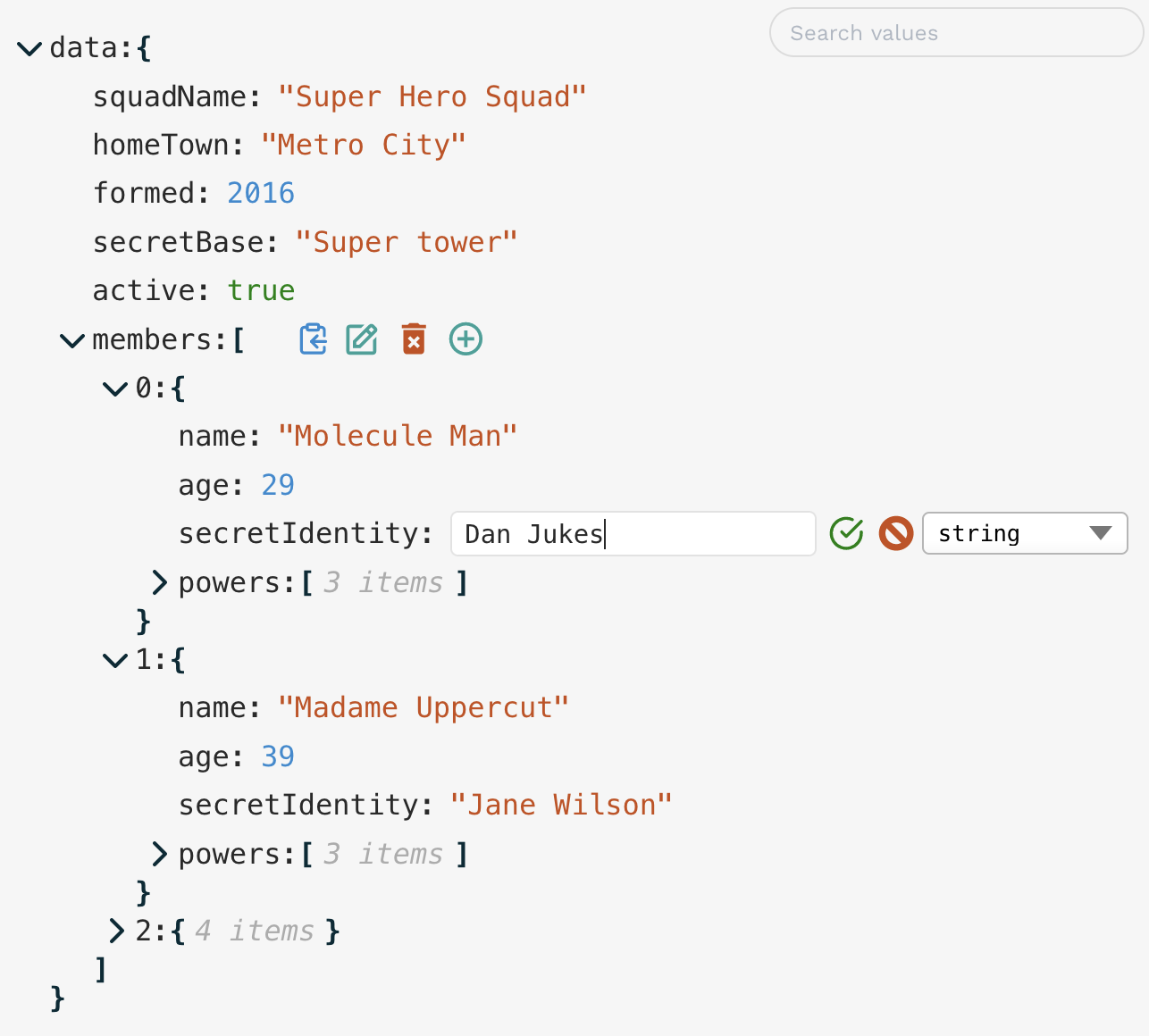
- Easy inline editing of individual values or whole blocks of JSON text
- Granular control – restrict edits, deletions, or additions per element
- JSON Schema validation (using 3rd-party validation library)
- Customisable UI — built-in or custom themes, CSS overrides or targeted classes
- Self-contained — plain HTML/CSS, no external UI library dependencies, and zero runtime dependencies
- Search & filter — find data by key, value or custom function
- Custom components — replace keys and/or values with specialised components (e.g. date picker, links, images,
undefined,BigInt,Symbol) - Localisation — easily translate UI labels and messages
- Drag-n-drop re-ordering within objects/arrays
- Keyboard customisation — define your own key bindings
- External control via callbacks and triggers
Try the Live Demo to see these features in action!
️ ANNOUNCEMENT
V2 of json-edit-react is now available in beta, with significant refactors and performance improvements.
npm install json-edit-react@beta
yarn add json-edit-react@beta
pnpm add json-edit-react@beta
If you're upgrading from V1, be sure to read the migration guide.
If you've got any suggestions, please join the discussion here.
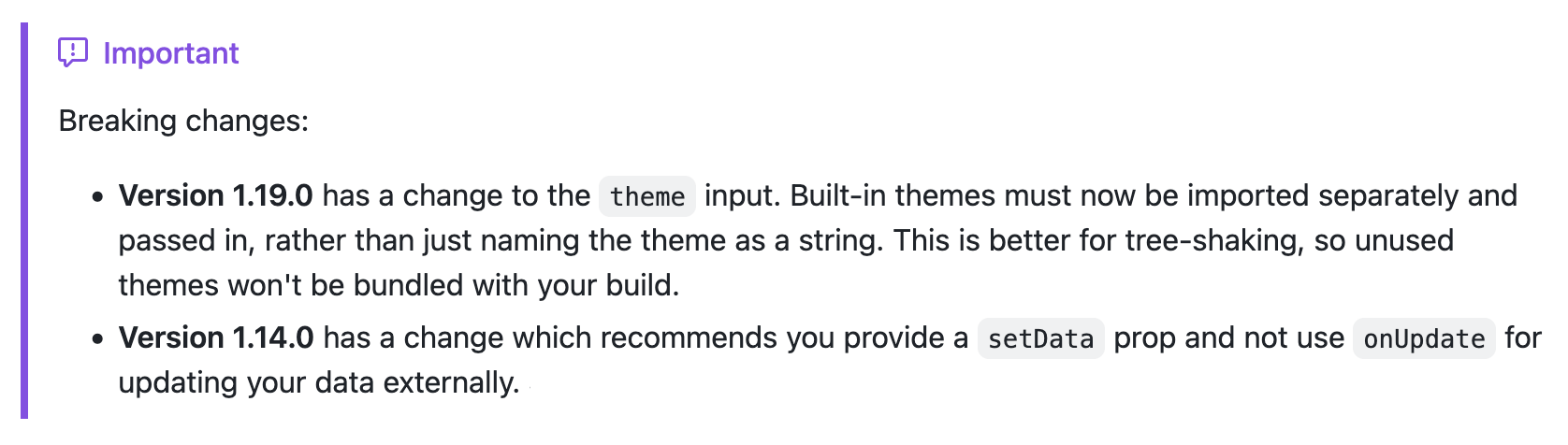
Installation
# Depending on your package manager:

npm i json-edit-react
# OR
yarn add json-edit-react
Implementation
import { JsonEditor } from 'json-edit-react'

// In your React component:
return (
  <JsonEditor
    data={ jsonData }
    setData={ setJsonData } // optional
    { ...otherProps } />
);
Usage
(for end user)
It's pretty self explanatory (click the "edit" icon to edit, etc.), but there are a few not-so-obvious ways of interacting with the editor:
- Double-click a value (or a key) to edit it
- When editing a string, use
Cmd/Ctrl/Shift-Enterto add a new line (Entersubmits the value) - It's the opposite when editing a full object/array node (which you do by clicking "edit" on an object or array value) —
Enterfor new line, andCmd/Ctrl/Shift-Enterfor submit Escapeto cancel editing- When clicking the "clipboard" icon, holding down
Cmd/Ctrlwill copy the path to the selected node rather than its value - When opening/closing a node, hold down "Alt/Option" to open/close all child nodes at once
- For Number inputs, arrow-up and down keys will increment/decrement the value
- For Boolean inputs, space bar will toggle the value
- Easily navigate to the next or previous node for editing using the
Tab/Shift-Tabkeys. - Drag and drop items to change the structure or modify display order
- When editing is not permitted, double-clicking a string value will expand the text to the full value if it is truncated due to length (there is also a clickable "..." for long strings)
- JSON text input can accept "looser" input, if an additional JSON parsing method is provided (e.g. JSON5). See
jsonParseprop.
Have a play with the Demo app to get a feel for it!
For FULL DOCUMENTATION, visit https://github.com/CarlosNZ/json-edit-react