Licence
ISC
Version
0.1.1
Deps
1
Size
76 kB
Vulns
1
Weekly
0
Sign JWS payload
Convert request body into JWS using a private key.
Installation
From Insomnia Plugin Hub
- Navigate to https://insomnia.rest/plugins/insomnia-plugin-sign-jws-payload
- Click Install Plugin
- Click Open
- Once opened, click Install
From the Insomnia App
- Go to Application > Preferences or click the cog icon ()
- Navigate to the Plugins tab
- Enter
insomnia-plugin-sign-jws-payload - Click Install
Manual Install
- Using a terminal,
cdinto your Insomnia plugins folder - See Insomnia Docs - Run
git clone https://github.com/cobe529/insomnia-plugin-sign-jws-payload.git
Usage
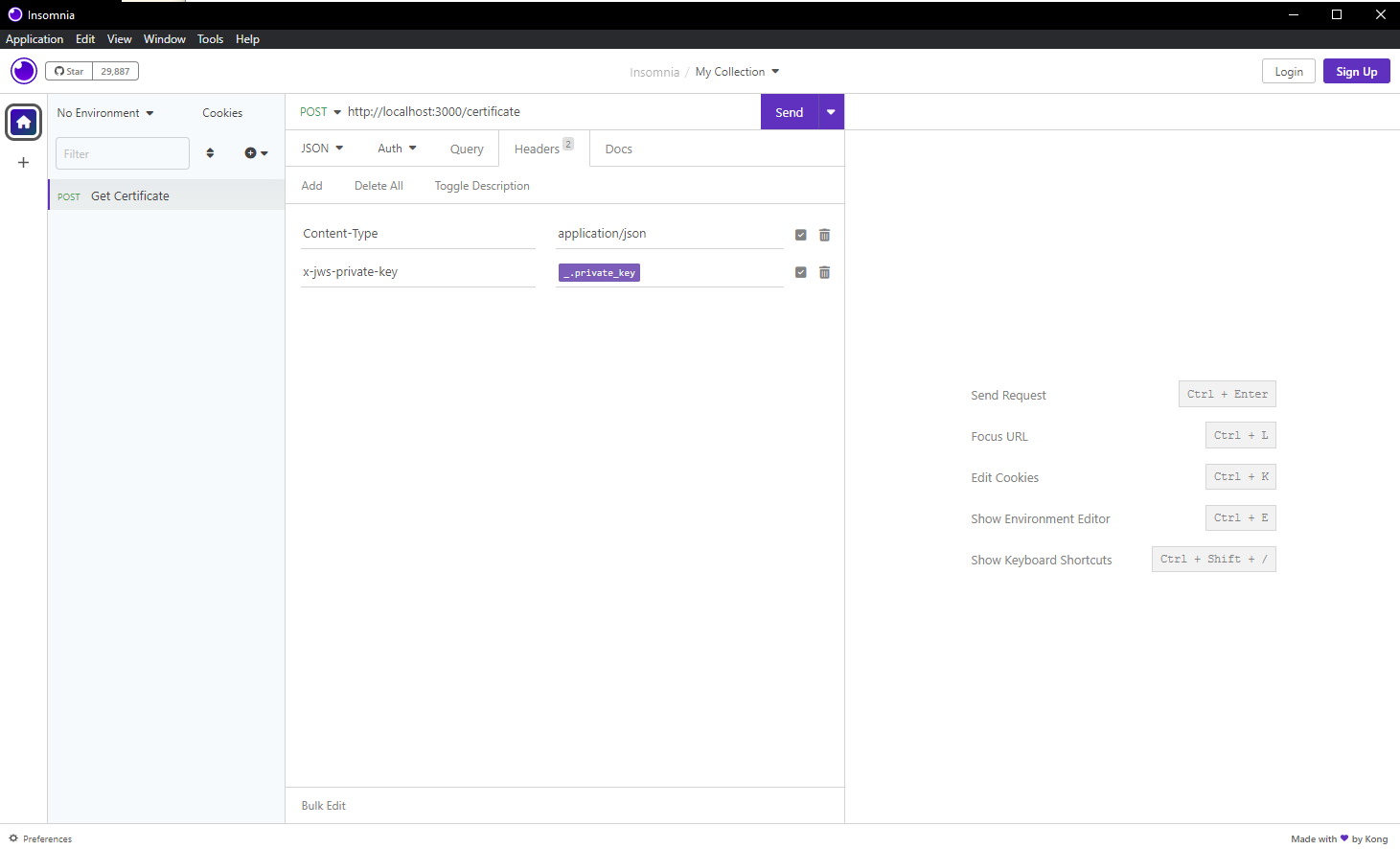
- In the requests, the private key that will be used for signing shall be added in a header named
x-jws-private-key. - All line breaks in the private key shall be converted into '\n'. You can also add the private key in environment variables.
- The JSON payload will be signed using ES256 algorithm.
- The
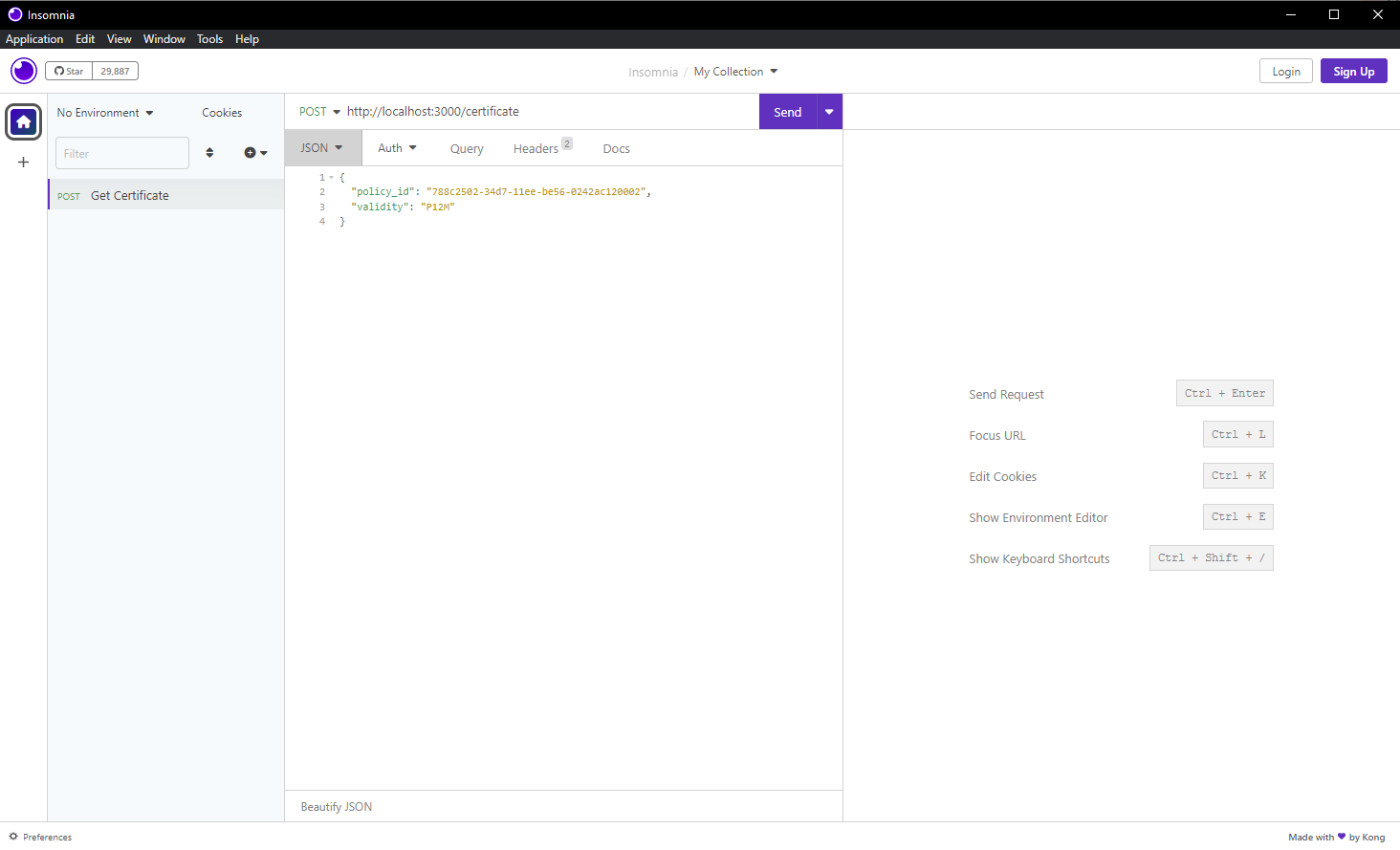
x-jws-private-keyheader will be removed before the API is sent. - The body should look like:
- The header should look like: