
Licence
MIT
Version
7.0.2
Deps
1
Size
282 kB
Vulns
0
Weekly
0
dockview-angular
Angular bindings for dockview — zero dependency layout manager supporting tabs, groups, grids and splitviews



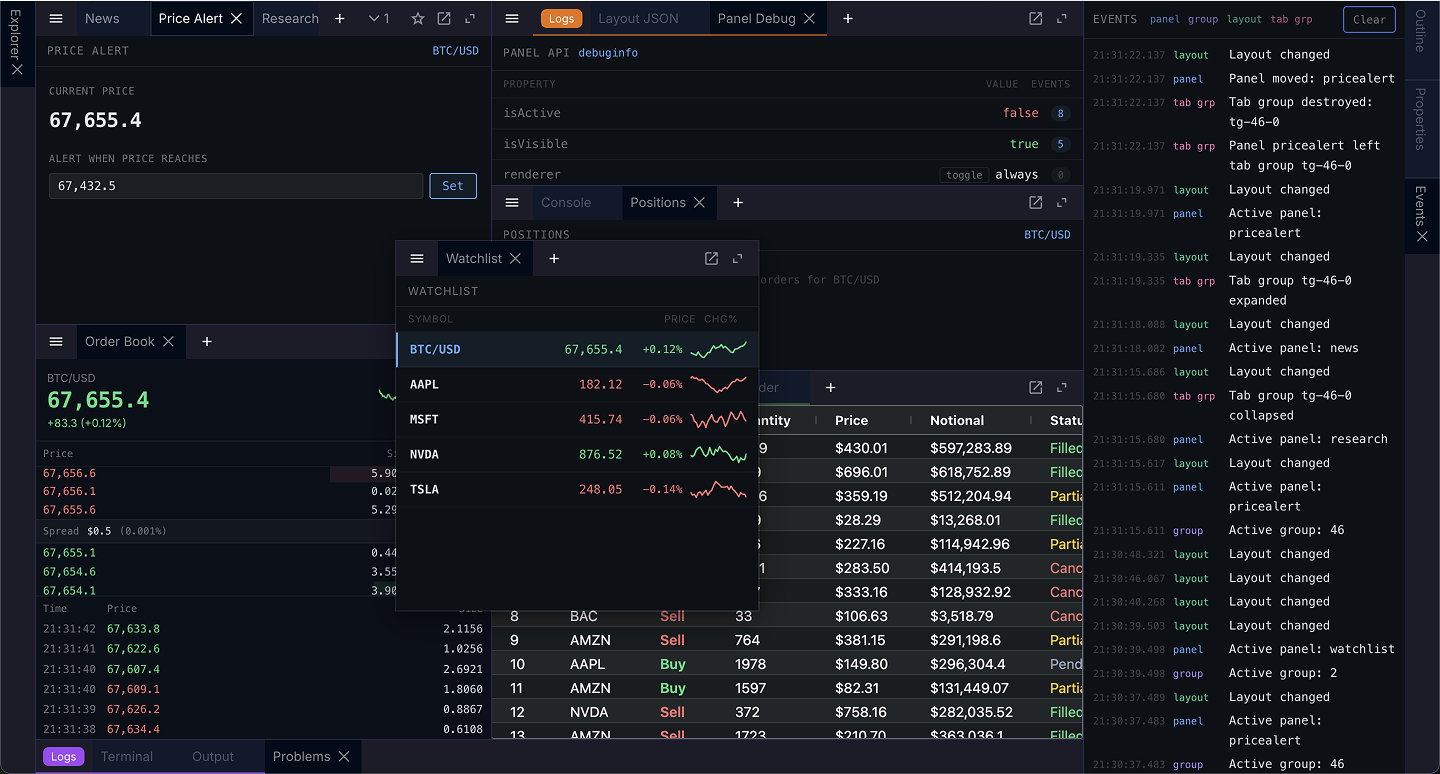
Please see the website: https://dockview.dev
Features
- Serialization / deserialization with full layout management
- Support for split-views, grid-views and 'dockable' views
- Themeable and customizable
- Tab and Group docking / Drag n' Drop
- Touch & mobile support
- Popout Windows
- Floating Groups
- Edge Groups
- Tab Groups
- Extensive API
- Supports Shadow DOMs
- High test coverage
- Documentation website with live examples
- Transparent builds and Code Analysis
- Security at mind - verified publishing and builds through GitHub Actions
Quick Start
Dockview-angular has a peer dependency on @angular/core >= 21. Install from npm:
npm install dockview-angularImport the stylesheet in your styles.css or angular.json:
@import 'dockview-angular/dist/dockview.css';Use the component in your Angular template:
import { Component } from '@angular/core';
import { DockviewModule } from 'dockview-angular';
import { DockviewReadyEvent } from 'dockview-angular';

@Component({
    selector: 'app-root',
    standalone: true,
    imports: [DockviewModule],
    template: `
        <div class="dockview-theme-dark" style="height: 400px">
            <dockview-angular
                [components]="components"
                (ready)="onReady($event)"
            ></dockview-angular>
        </div>
    `,
})
export class AppComponent {
    components = {
        myComponent: /* your panel component */,
    };

    onReady(event: DockviewReadyEvent) {
        event.api.addPanel({
            id: 'panel_1',
            component: 'myComponent',
        });
    }
}
See the documentation for full examples.
Want to verify our builds? Go here.