




SVAR Svelte DataGrid is a high-performance Svelte component for building feature-rich, accessible data tables. It supports sorting, advanced filtering, paging, in-cell editing, and virtual scrolling out of the box. Comes with full TypeScript support and a flexible, developer-friendly API. Suitable for dashboards, admin panels, and data-heavy SaaS applications.
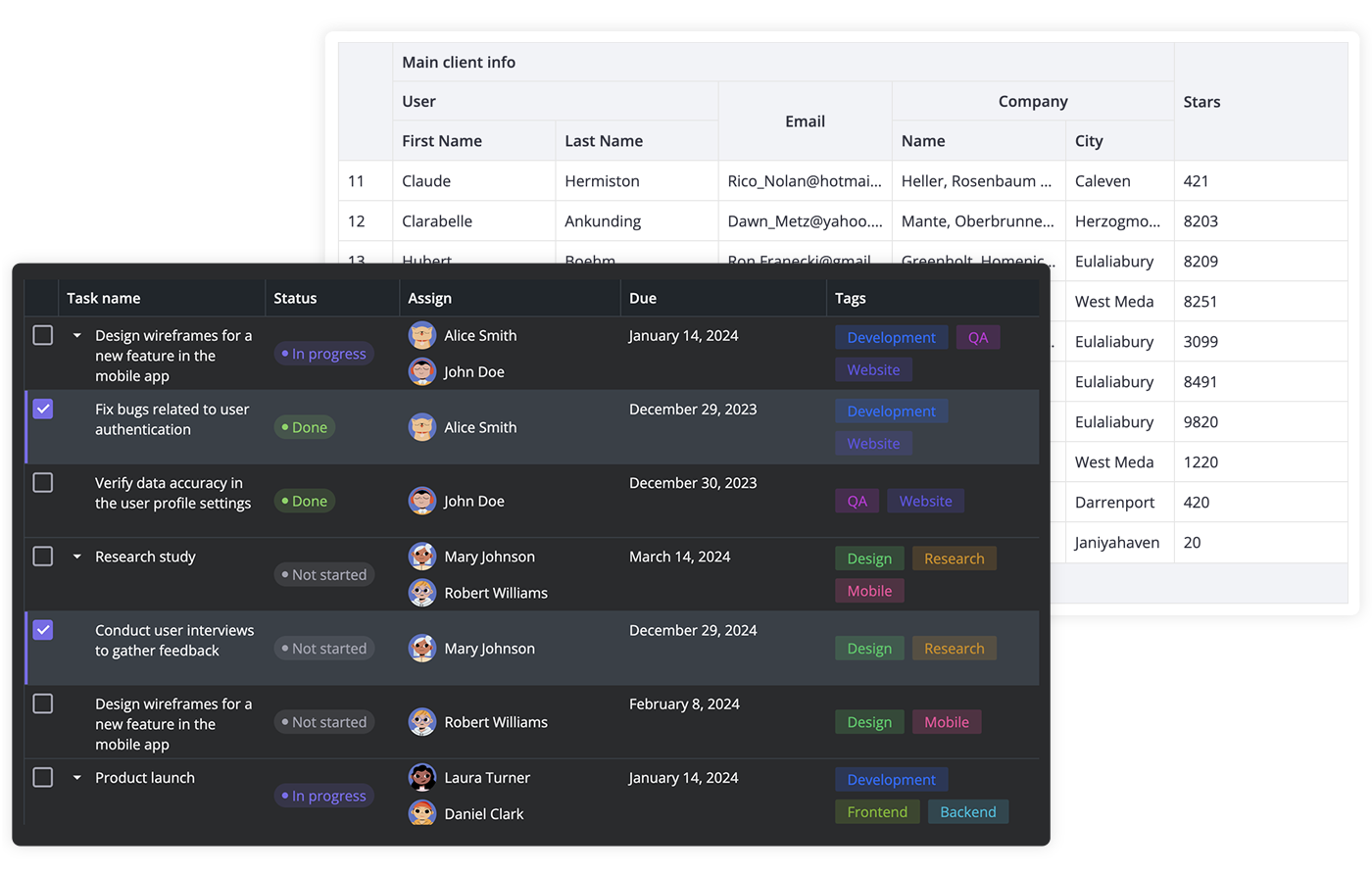
Key Features
Here is a quick overview of what SVAR Svelte DataGrid offers:
- High performance (virtual scrolling and dynamic loading)
- In-cell editing with different cell editors (datepicker, combo, select, rich select, etc.)
- External editor for grid data
- Custom HTML for cells
- Sorting by multiple columns
- Advanced filtering (including natural language)
- Paging
- Frozen columns
- Expandable/collapsible columns
- Row reordering with drag-and-drop
- Customizable tooltips for grid cells
- Context menu
- Built-in toolbar
- Tree-like structure
- Print support, export to CSV
- Undo/redo
- Keyboard navigation
- Accessibility: compatibility with WAI-ARIA standard
- RestDataProvider for easy backend data binding
- Dark and light skins, customizable with CSS (no Tailwind dependency)
- Full TypeScript support
Check the demos to see how these features work.
How to Use
To use SVAR Svelte DataGrid, simply import the package and include the component in your Svelte file:
<script>
	import { Grid } from "@svar-ui/svelte-grid";

	const data = [
		{
			id: 12,
			name: "Alex Brown",
			year: 1974,
		},
	];
	const columns = [
		{
			id: "name",
			header: "Title",
			flexgrow: 1,
			sort: true,
			editor: "text",
		},
		{
			id: "year",
			header: "Year",
			width: 100,
			sort: true,
			editor: "text",
		},
	];
</script>

<Grid {data} {columns} />
For further instructions, see the detailed how-to-start guide.
How to Modify
Typically, you don't need to modify the code. However, if you wish to do so, follow these steps:
- Run
yarnto install dependencies. Note that this project is a monorepo usingyarnworkspaces, so npm will not work - Start the project in development mode with
yarn start
Run Tests
To run the test:
- Start the test examples with:
yarn start:tests - In a separate console, run the end-to-end tests with:
yarn test:cypress
Need Help?
Join our community forum to get help or post feature requests.
Show Your Support
If SVAR Svelte DataGrid helps your project, give us a star on GitHub! It helps more developers discover this component and keeps our team motivated to ship new features.