
Licence
MIT
Version
0.6.2
Deps
4
Size
3.8 MB
Vulns
0
Weekly
197
Flow Documentation Generator

A Power Platform Toolbox (PPTB) tool for viewing and documenting Power Automate Cloud Flows. This tool provides an intuitive interface to explore flow definitions, visualize them as interactive Mermaid diagrams, and export documentation in multiple formats.
Screenshots
Dark Theme
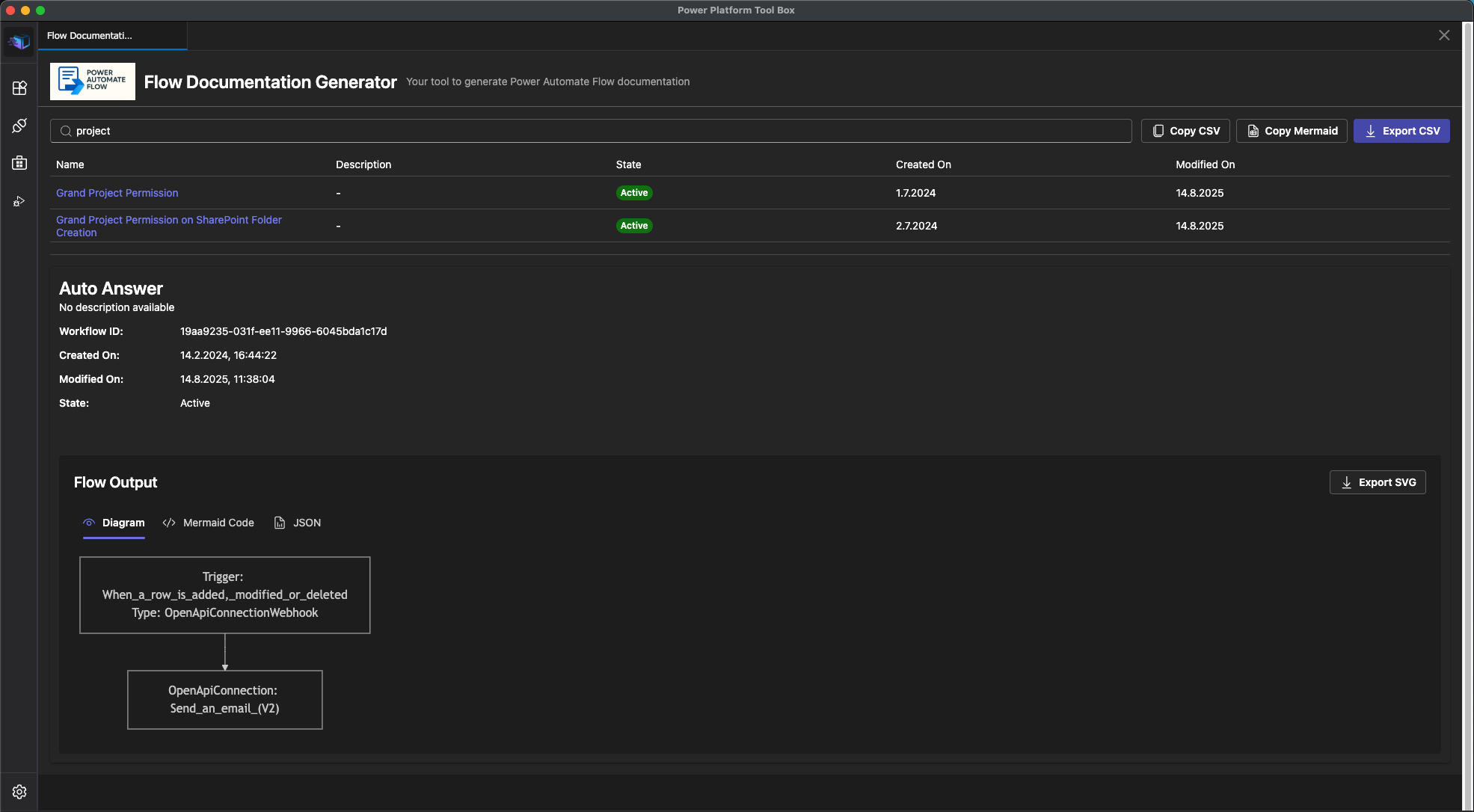
Light Theme
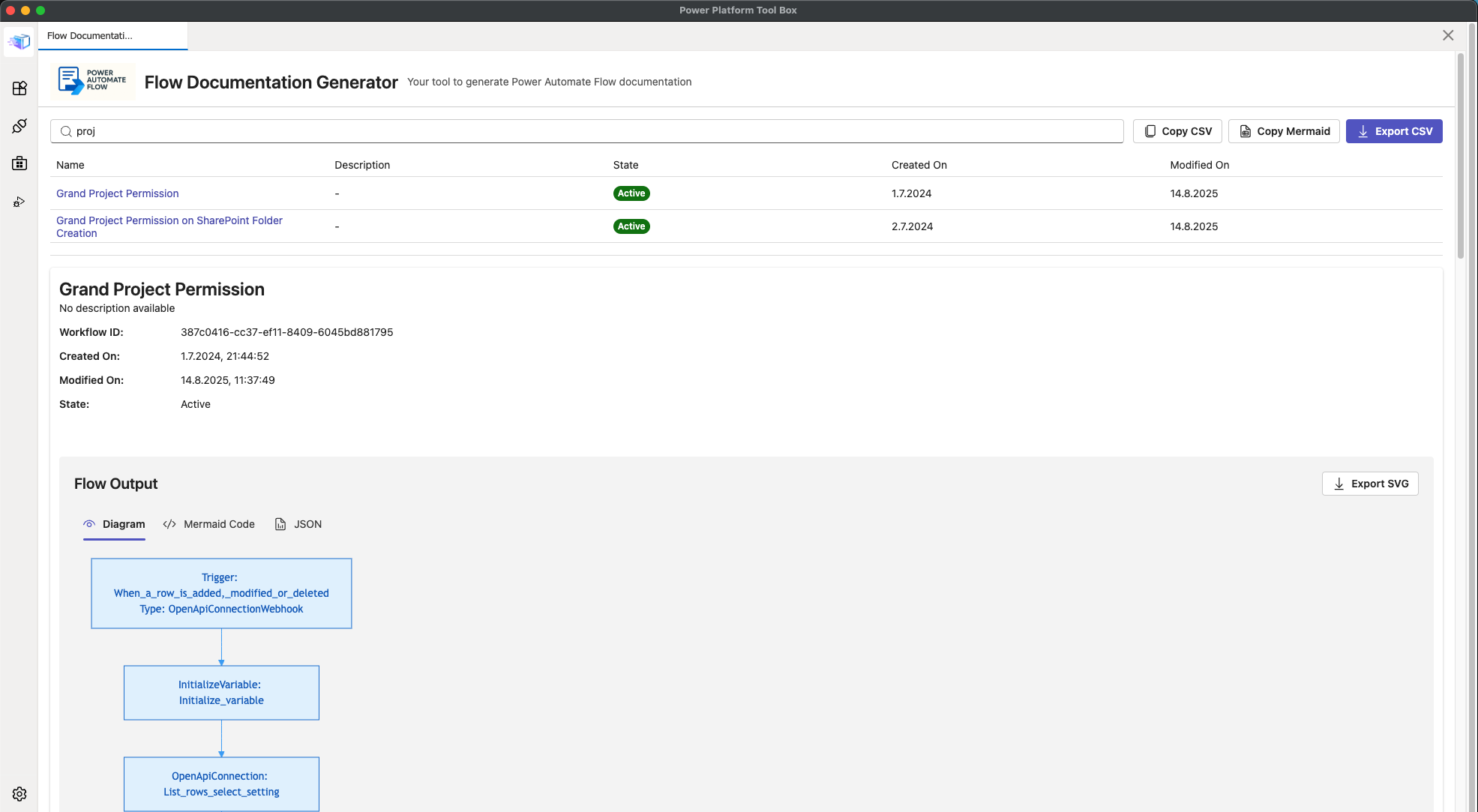
Features
Core Capabilities
- Flow List View - View all Cloud Flows in your Dynamics 365 environment in a sortable table
- Sortable columns with visual arrow indicators (ascending/descending)
- Optimized column widths for better data visibility
- Click any row to open details in a side drawer
- Advanced Filtering - Real-time search by flow name and description
- Interactive Mermaid Diagrams - Visualize flow logic with auto-generated Mermaid flowcharts
- Multiple View Modes:
- Diagram View: Interactive flowchart visualization with zoom controls
- Mermaid Code: View and copy the raw Mermaid syntax (formatted with line breaks)
- JSON View: Inspect the original flow definition data
- Advanced Zoom Controls:
- Zoom range from 50% to 1000%
- Interactive slider for precise control
- +/- buttons for quick adjustments
- Mouse wheel zoom with Ctrl/Cmd modifier
- Reset button to return to 100%
- Multiple Export Formats:
- Export flow list as CSV file
- Copy flow list to clipboard as CSV
- Copy flow list as Markdown table with flow details
- Export individual flow diagrams as SVG & PNG file Image
- Copy individual flow diagrams as PNG to clipboard
- Modern Theme Support:
- Automatic light/dark theme switching based on PPTB settings
- Fresh, modern color palette for light mode diagrams (Material Design)
- Optimized dark mode styling
- Visual Notifications - Toast notifications for all operations
- Event Logging - Track all operations and API calls in real-time
- Real-time Updates - Automatic refresh on connection changes
License
MIT - See LICENSE file for details
Author
Lars Hildebrandt